Multiple Attendance Methods. One Platform.
Every workplace is different. ClockInHR gives you three attendance methods — choose any combination that fits your setup.
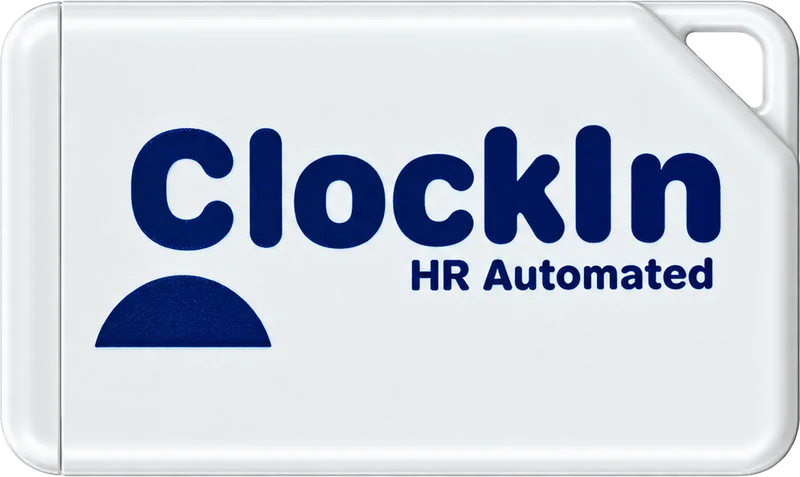
Beacon Attendance
A beacon is a small Bluetooth device placed at your site. Available in card-size (6–7 months battery) and palm-size (3 years battery). Employees just walk near it, open the kiosk app, and attendance is marked automatically using face detection — no login required.
Attendance also captures GPS location for extra verification. Since beacon range is limited to 1–3 metres, it cannot be faked — employees must be physically present at the assigned location.
How Assignment Works
- 1Assign beacon to a site from your company admin account
- 2Place beacon at the location where presence = attendance
How Attendance Works
- 1Employee installs the kiosk app (Android or iOS)
- 2Walks within 1–3 metres of the beacon
- 3Opens the app — beacon detected, face snapped
- 4No login required — just open, snap, done
Best for: Multi-floor offices, construction sites, temporary locations, and field teams
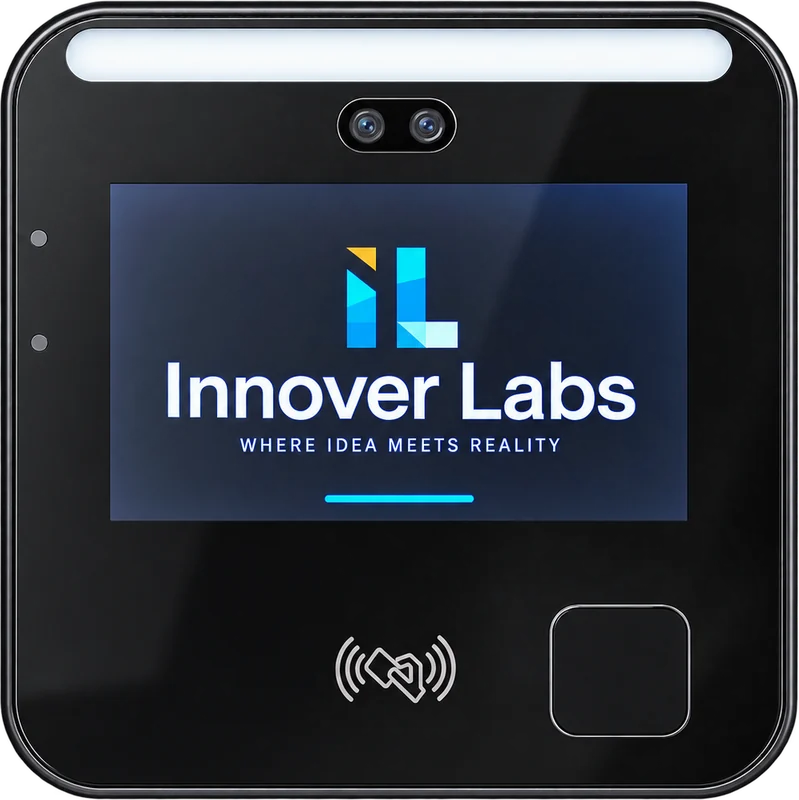
Face Device
A wall-mounted face recognition terminal fitted at your office entrance. Employees walk up, the device detects and recognizes their face, and attendance is marked instantly — no employee action needed beyond standing in front of the device.
How it beats market alternatives
Other face devices: Data stays on the device. You manually export via USB, then manually import into your HR software. Every. Single. Day.
ClockInHR face device: Data syncs automatically to the platform in real time. Turn it on, connect to internet — the software does the rest.
Auto-sync over internet — no pen drives, no manual exports
Can be linked to a door lock — unlock on verified attendance
GPS location of device recorded per attendance entry
Assigned to site via your company admin — full control from dashboard
Best for: Permanent office premises where employees come to a fixed location daily
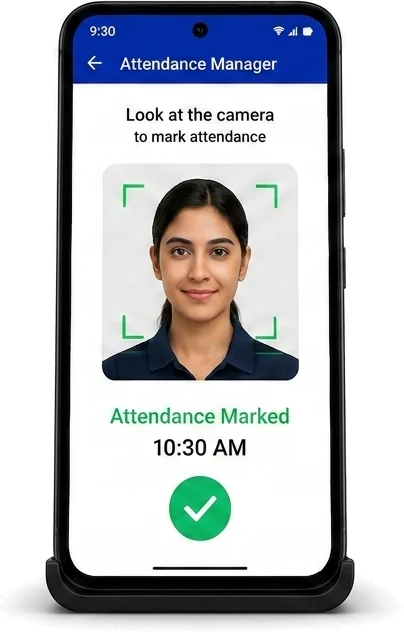
Attendance Manager
The most affordable attendance setup. Use any Android or iOS smartphone as a dedicated kiosk. Log in once with the kiosk login details, place the phone on a desk stand at your site entrance — and you're done.
Employees scan their face to mark attendance. The device's GPS location is also recorded per attendance entry for added verification.
Most cost-efficient — use a smartphone you already own as the kiosk hardware
Fastest to deploy — login once, place on desk, employees start using immediately
GPS recorded per attendance — device location verifies site presence
Face recognition prevents fake check-ins — must be the actual employee
Best for: Small offices, startups, and businesses looking for the most cost-efficient attendance setup
Which attendance method should I choose?
Use a Bluetooth beacon for multi-floor offices, construction sites, temporary locations and field teams; a face recognition device for permanent offices where employees arrive at a fixed entrance daily; and Attendance Manager (a phone kiosk) for small offices and startups that want the lowest-cost setup. Different sites can use different methods.
How does beacon attendance work?
A small Bluetooth beacon is placed at the site. When an employee comes within 1–3 metres and opens the kiosk app, the beacon is detected and attendance is marked by face recognition, with no login. GPS location is also captured. Beacons come in card size (6–7 months of battery) and palm size (3 years of battery).
Can employees fake attendance or mark it for someone else?
Every method uses face recognition, so attendance has to be marked by the actual employee. Beacon attendance also requires being within 1–3 metres of the beacon, and kiosk attendance records the device's GPS location on every entry.
Do I have to export data from the face recognition device?
No. Many face devices store data on the device and need a daily USB export and manual import into HR software. The ClockInHR face device syncs to the platform automatically over the internet in real time. It can also be linked to a door lock that opens on verified attendance.
What is the cheapest way to start?
Attendance Manager (kiosk mode). It runs on an Android or iOS smartphone you already own: log in once with the kiosk credentials, place the phone on a desk stand at the entrance, and employees scan their face to mark attendance.
Not sure which method fits your setup?
Talk to our team — we'll recommend the right combination for your offices, field teams, and sites.