Your Old Phone. A Brand-New Kiosk.
The most cost-efficient attendance setup. Turn any Android or iOS phone into a dedicated face-recognition kiosk — no extra hardware needed.
- Any Android/iOS
- GPS verified
- Face recognition
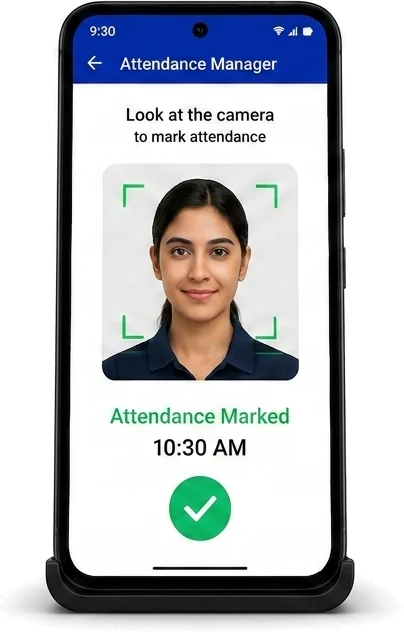
Login once. Place on desk. Done.
Take any spare Android or iOS phone, log in once with the kiosk login details, and place it on a desk stand at your site entrance. Employees face-scan to mark attendance — GPS location is recorded with each entry.
- 1Log in with the kiosk login details on any phone (one time only)
- 2Place phone on a desk stand at the site entrance
- 3Employees tap "Mark Attendance," face-scan — logged instantly with GPS
Why Teams Love Attendance Manager
Most cost-efficient
Use a smartphone you already own — zero additional hardware cost
Fastest to deploy
Login once, place on a stand — your team can start in minutes
GPS per entry
Device location verifies site presence on every attendance record
No fake check-ins
Face scan confirms it is the real employee — someone else cannot mark attendance for them
Best for: Small offices, startups, retail, and hospitality businesses
Other Attendance Methods
Every site can use a different method, and all of them report into the same ClockInHR dashboard.
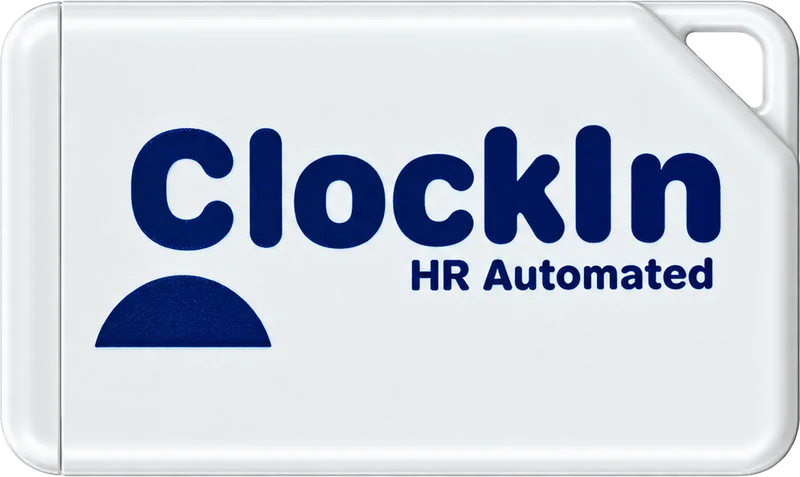 Bluetooth Beacon AttendanceA small beacon at the site detects employees within 1–3 metres. Best for multi-floor offices, construction sites and field teams.Learn more
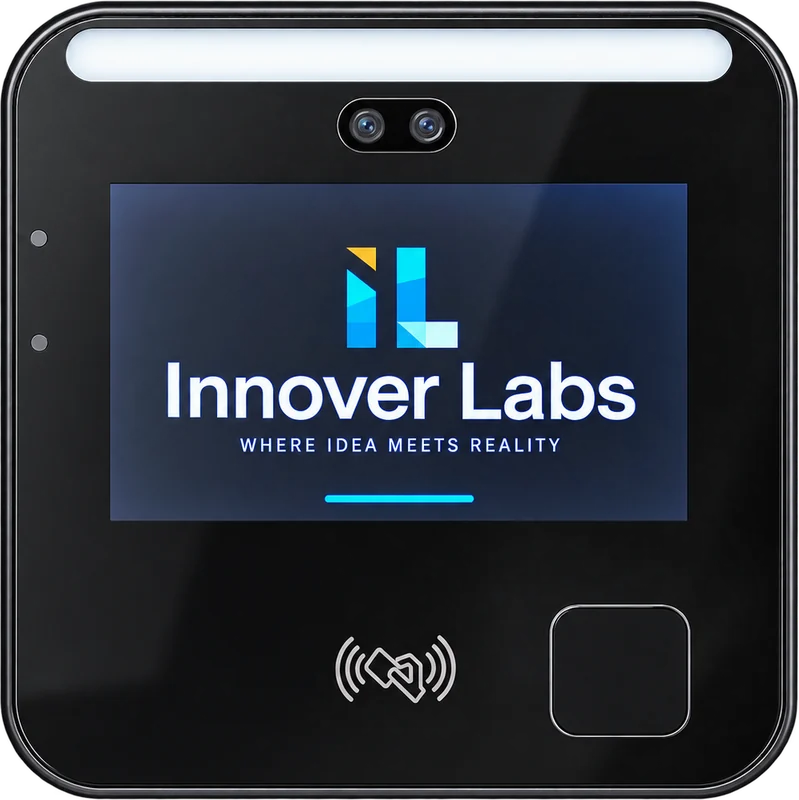 Face Recognition DeviceA wall-mounted terminal that recognises employees in under 2 seconds and syncs live. Best for permanent offices.Learn more
Not sure which fits? Compare all three attendance methods
What is Attendance Manager?
Attendance Manager is ClockInHR in kiosk mode. It turns an Android or iOS smartphone into a face-recognition attendance kiosk placed at your site entrance.
Do I need to buy any attendance hardware?
No. It runs on a smartphone you already own, which makes it the most cost-efficient way to start. A desk stand to hold the phone at the entrance is all you need.
How long does the phone kiosk take to set up?
Under 10 minutes. Log in once with the kiosk login details, place the phone on a desk stand at the entrance, and employees can start marking attendance.
Can employees mark attendance for each other on the kiosk?
No. Every entry is a face scan, so only the actual employee can mark their attendance, and the phone's GPS location is recorded with each record.
Who is the phone kiosk best for?
Small offices, startups, retail and hospitality businesses that want face-recognition attendance without buying a dedicated device.
Start with a phone you already have.
The Kiosk setup takes under 10 minutes. No hardware purchase needed to get started.